Skip to main content
UC Berkeley
Toggle navigation
Physics
Search Terms
Submit Search
WELCOME
Our Community
Our Nobel Laureates
Our History
Employment
Plan Your Visit
Contact Us
ACADEMICS
Courses
Undergraduate Degree
Graduate Degree
Undergraduate Research
Student Machine Shop
STUDENT LIFE
Study Resources & Tutoring
Student Support & Advising
Student Organizations & Mentoring
VISITING STUDENTS
The Berkeley Physics International Education (BPIE) Program
BETA Physics: Berkeley Experience and Training in Advanced Physics
Concurrent Enrollment & Summer Sessions
REYES: Remote Experience for Young Engineers and Scientists
Python4Physics
RESEARCH & FACULTY
Astrophysics
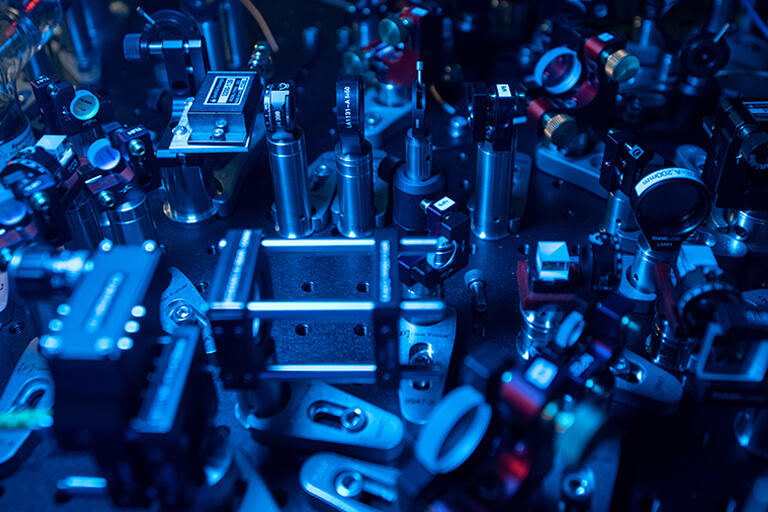
Atomic, Molecular and Optical Physics
Biophysics
Condensed Matter Physics and Materials Science
Nuclear Physics
Particle Physics
Plasma and Nonlinear Dynamics
Lecturers
Emeritus Faculty
R&D Machine Shop
Quantum Physics
NEWS
Berkeley Physics Magazine
News Archive
EVENTS
Department Events
Colloquia
Physics 290 Seminars
Presentations Archive
Secondary navigation
HOME
GIVING
EQUITY & INCLUSION
Quick Links
QUICK LINKS
Directory
Contact Us
Administration
Safety
Tests begin on sensitive Eos neutrino detector
Background image: Shiny bulb-like Eos detectors
Featured Research: AMO Physics
Visiting Students Programs
Equity & Inclusion
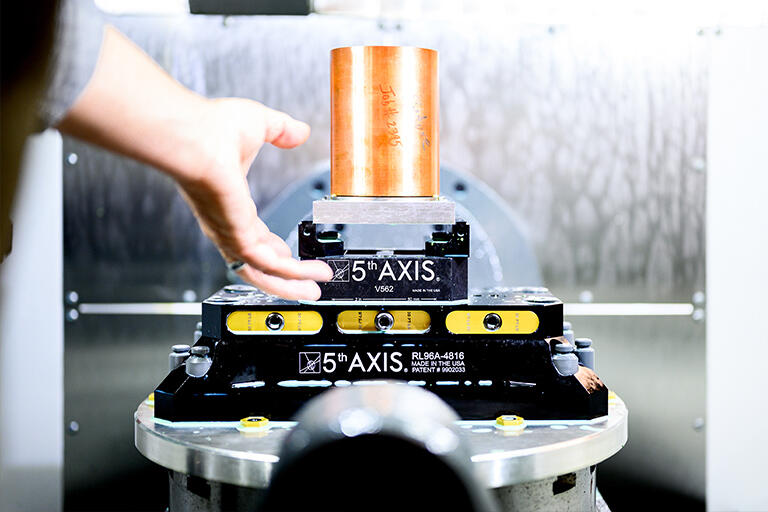
Research & Development Machine Shop
Undergraduate Research
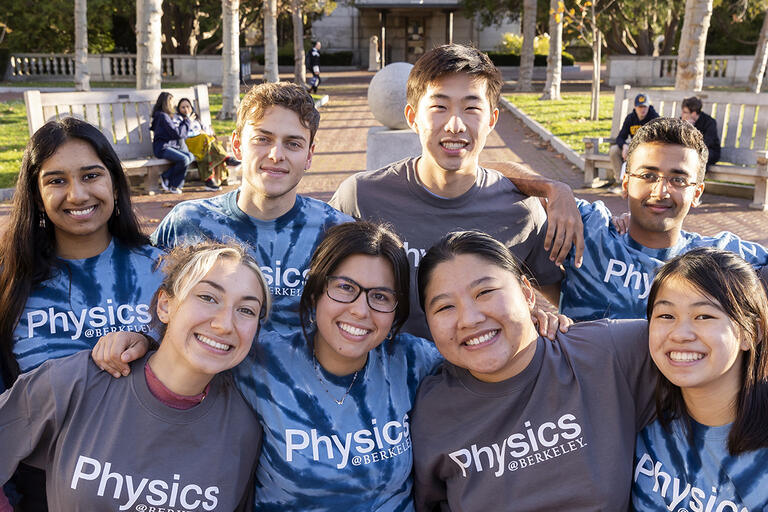
Berkeley Physics Community Principles
Current Giving Opportunities
Building and Support Services